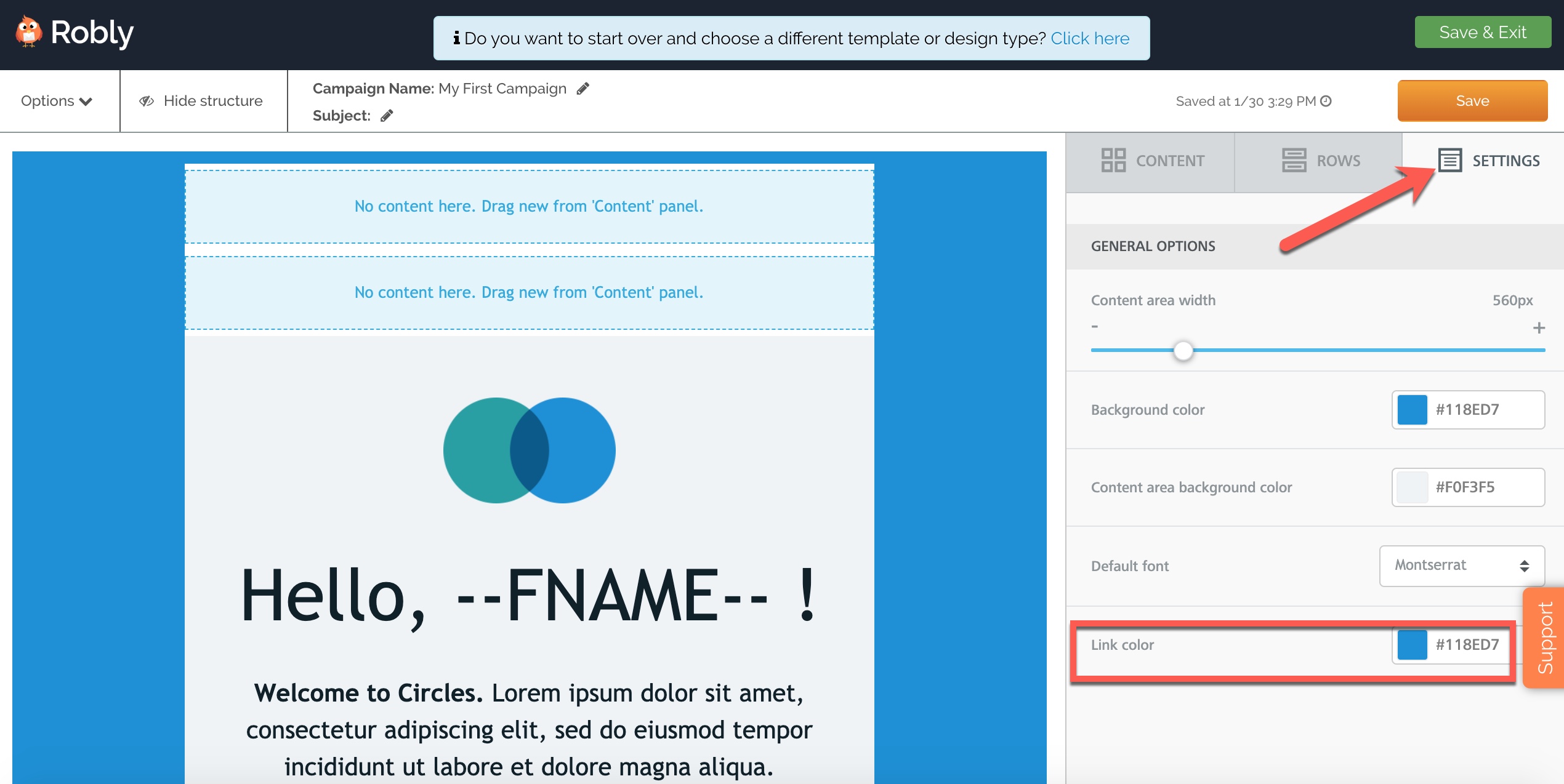
To edit or update the link color for your campaign globally, click on the Settings section on the right-hand link, then click into the box for Link Color.
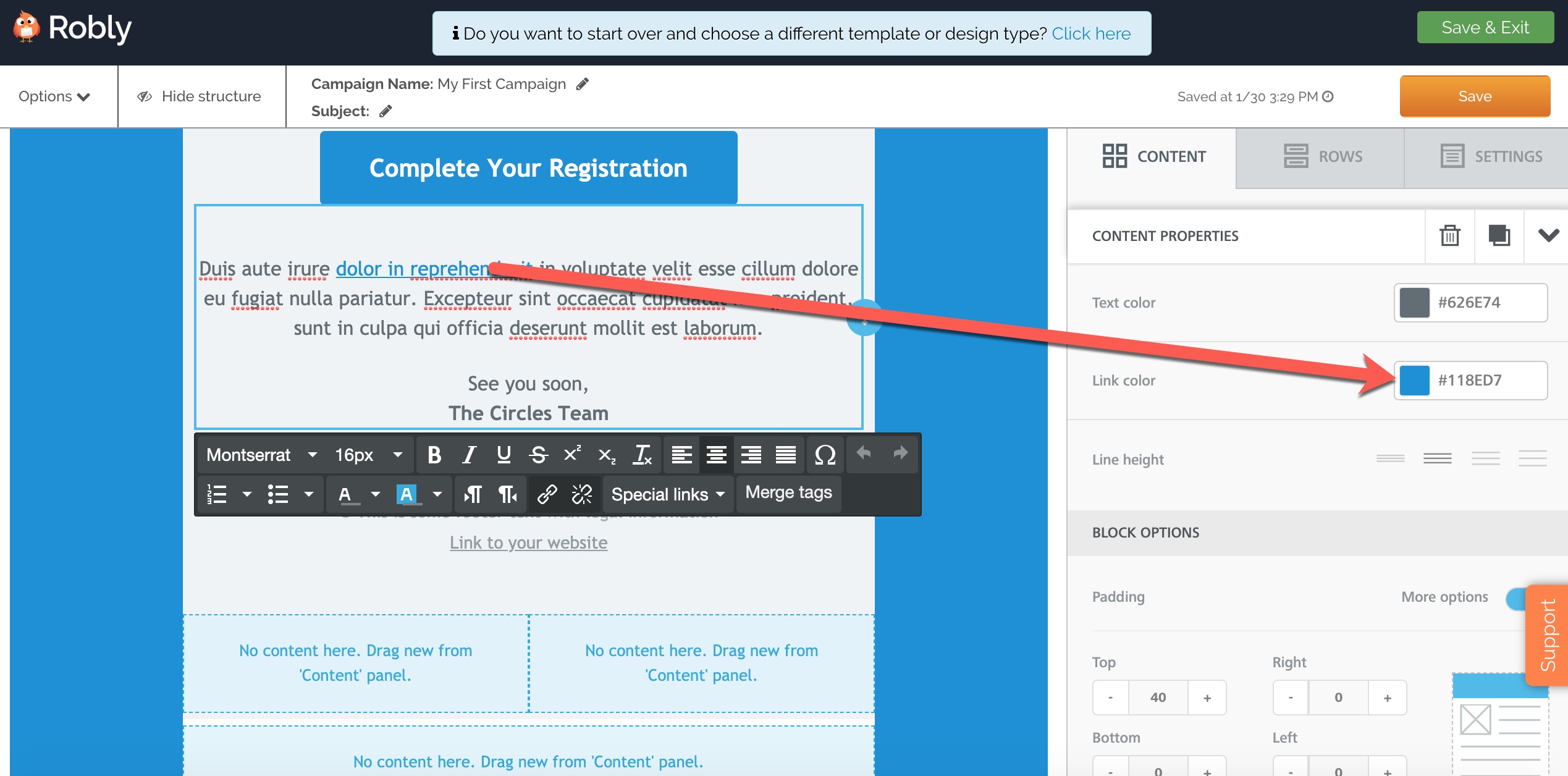
To change the link color just within a specific module, click into that module and go to Link Color in the Content menu:
Have questions? Message us on chat, or email support@robly.com!