Check out our post on Merge Tags! 🙂
The tag to use for First Name looks like this*:
‑‑FNAME‑‑
*Do NOT copy/paste the merge tag from this page – it will not work because the display characters are different and will not work in our editor!
You can find a drop down menu of our most popular merge tags in the WYSIWYG text editor, which makes adding them super easy:
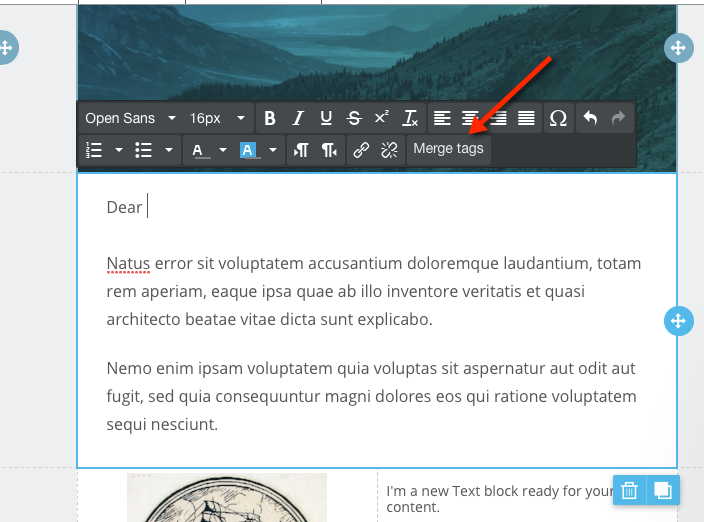
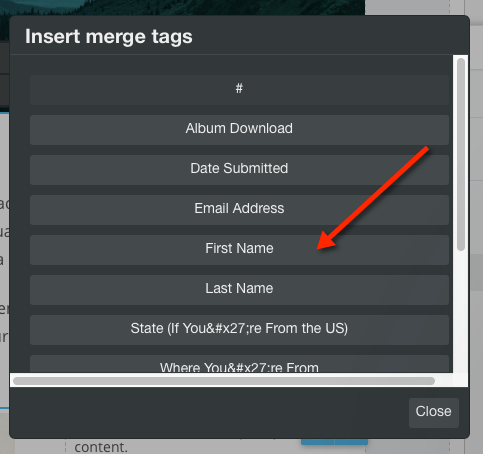
From here, simply click on the First Name option:
Then, you’ll see this:
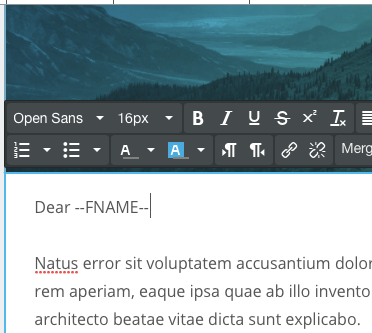
Send yourself a test email to check that it works!
Have questions? Message us on chat, or email support@robly.com!