DELETE:
To delete a module from your campaign, click the trash can icon that shows up at the bottom of any module when you click on it.
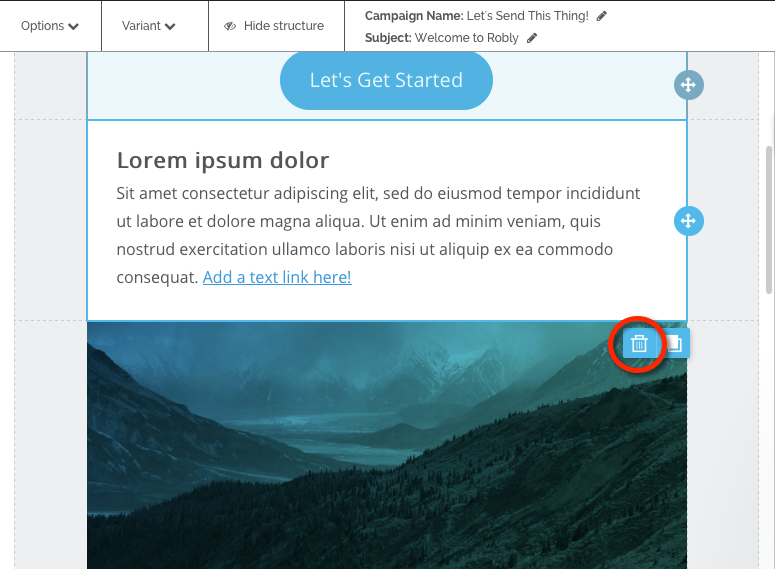
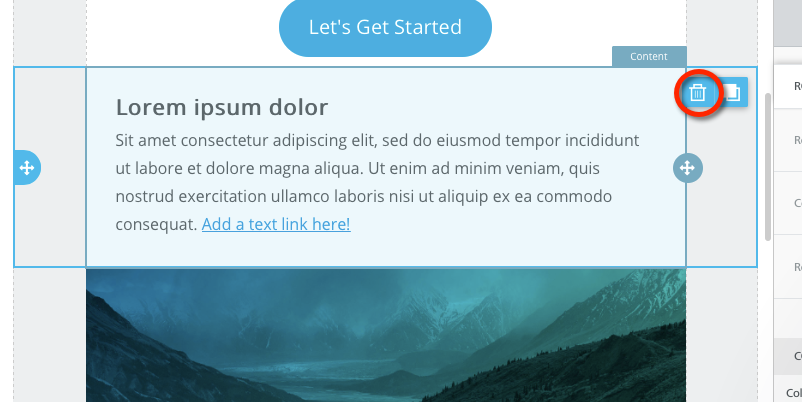
To delete an entire section, you must click on the background/border outside of that section. You can tell the difference based on where the blue outline is.
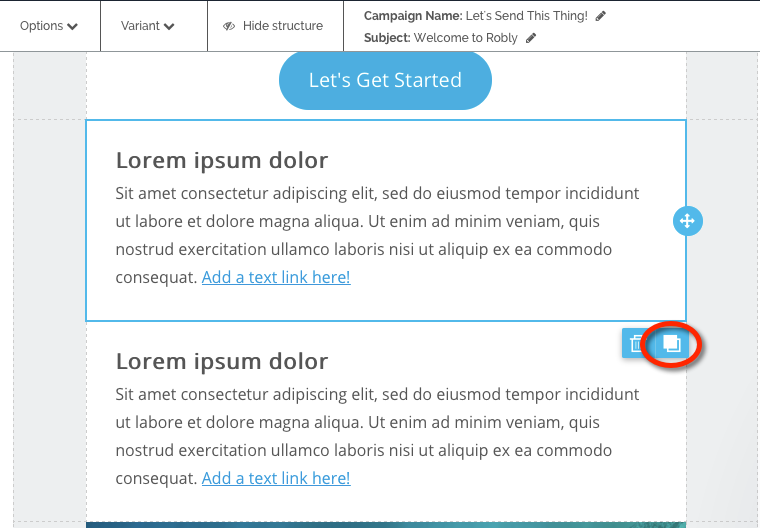
DUPLICATE:
To duplicate a module, click the icon next to delete, the two squares.
MOVE:
To move a module, click on it and use the arrows to drag it to another part of the campaign. You will see blue lines that say “Drag it Here.”
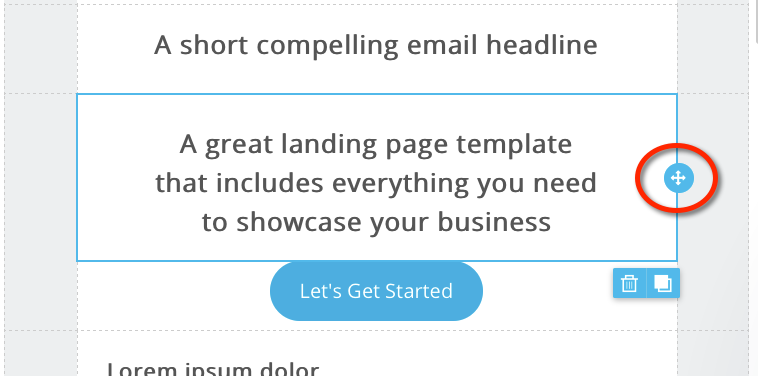
To move an entire section, click on the background area and use the arrows in the same way.

Have questions? Message us on chat, or email support@robly.com!